
Edit articles and update them live
An article in the inventory is your template. An active ad is the published version on a platform. The two are connected, but they are not always identical right away.
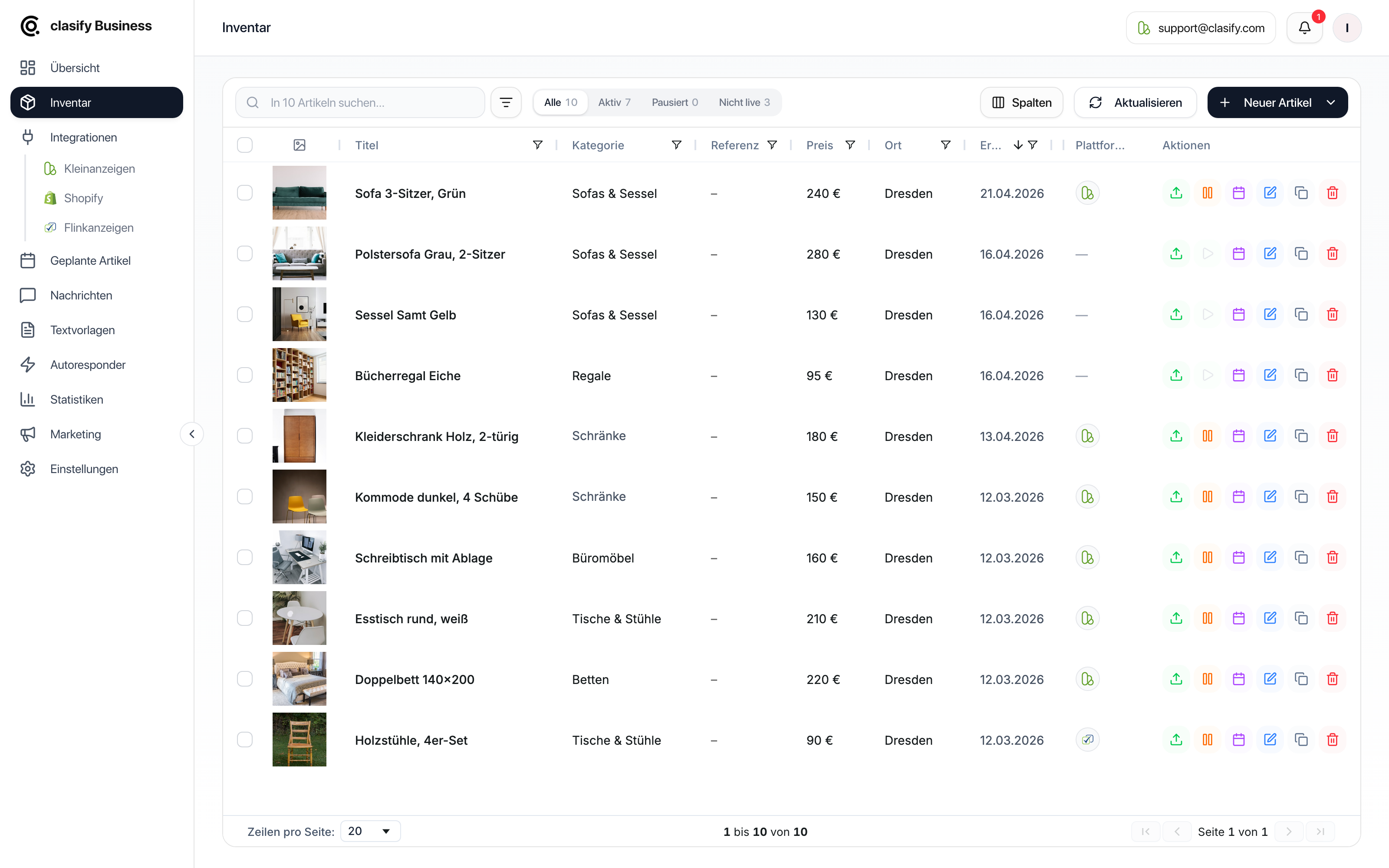
Edit an article
Section titled “Edit an article”Save in the inventory only
Section titled “Save in the inventory only”With Artikel speichern (Save article) you save the changes in clasify Business. Active ads on Kleinanzeigen or Flinkanzeigen are not changed automatically.
This makes sense if you want to prepare first and decide later whether clasify should update the changes live.
Have clasify update active ads
Section titled “Have clasify update active ads”If the article is already active on a platform, clasify can also transfer the changed article data to the active ad. To do this, use the option for updating active ads in the editing window.
clasify Business then sends the changed data to the platform.
For example, if you want to change an attribute such as material, color, condition or dimensions, maintain that information in the article’s title or description. This information is then transferred when the ad is updated.
Platforms in the article
Section titled “Platforms in the article”The editing window has a section for platforms. There you can see whether the article is already published and which actions are available.
Typical actions are:
- publish
- republish
- pause
- reactivate
- sync
- remove from the platform
If the update does not work
Section titled “If the update does not work”Check these points:
- Is the platform account connected?
- Are required details such as title, price, category, description, images and location complete?
- Is your profile complete enough for the platform?
- Does the active ad still exist on the platform?
- Is there a notice in the article or in the ads overview?
If an ad is no longer cleanly linked to the inventory, it can help to publish it again or to check the platform assignment.