
Publish ads on a recurring schedule
Over time, ads slip down in the search results. With a repeat, you tell clasify to republish an ad automatically at a fixed interval, instead of pushing it up manually.
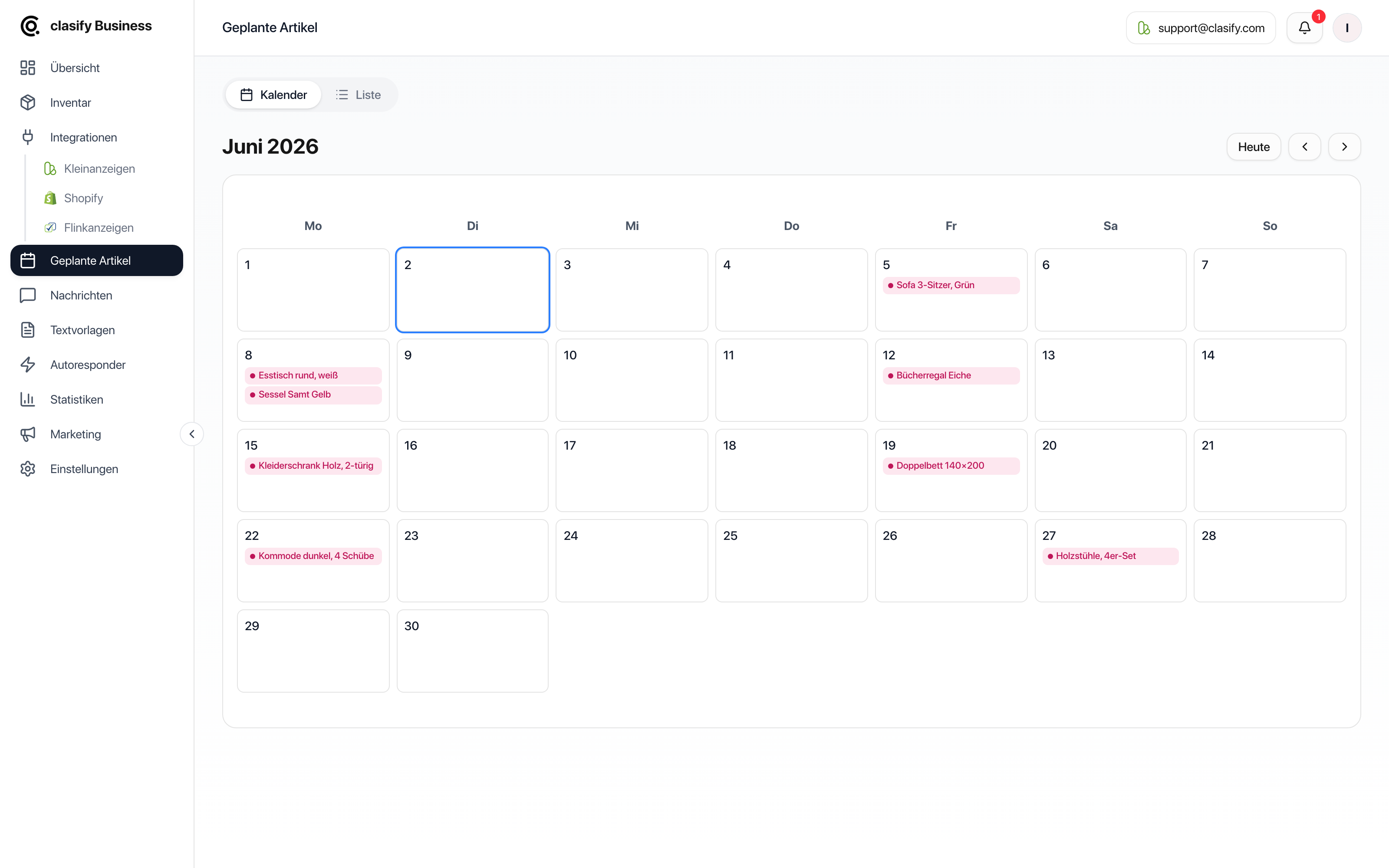
How a repeat works
Section titled “How a repeat works”When you set it up, clasify creates all dates of the series as individual scheduled jobs. At each date, the existing ad is deleted and posted again. The ad therefore appears as a new ad again.
Set up a repeat
Section titled “Set up a repeat”-
Open Inventar (Inventory).
-
For the article you want, click Anzeige planen (Schedule ad). For several articles, select them first and use the bulk action Planen (Schedule).
-
Stay in the Manuell (Manual) tab.
-
Under Zeitpunkt der Inserierung (Time of publication), set the first date.
-
Turn on the Wiederholen (Repeat) switch.
-
Under Ende (End), choose the date until which the series should run.
-
Set the Intervall (Interval), for example every 2 weeks.
-
Check the preview with the scheduled dates.
-
Click Planen.
Set the interval and end
Section titled “Set the interval and end”The interval consists of a number and a unit: every N Tage (days), Wochen (weeks) or Monate (months). The end date limits the series; it can be at most one year in the future.
Before creating the series, clasify shows you how many repeats will result and lists the first dates. If you have selected several articles, you also see the total number of jobs, that is, repeats multiplied by the number of articles.
Keep an eye on limits
Section titled “Keep an eye on limits”Every date in the series counts as its own scheduled job. Your plan limits the number of jobs scheduled at the same time. If a series would exceed the limit, clasify shows a notice before creating it, with the existing, the new and the maximum possible jobs.
What helps then:
- Move the end date closer.
- Increase the interval.
- Schedule fewer articles at once.
- Delete completed or no longer needed jobs.
- Switch to a plan with a higher limit, see Subscription, limits and features.
Monitor and end a series
Section titled “Monitor and end a series”You can find the dates of a series under Geplante Artikel (Scheduled articles) in the calendar and in the list. If you delete a job from a series, clasify asks whether to remove only that one date or all pending dates of the series.
Dates that have already run are kept as completed jobs.
If a repeat does not run
Section titled “If a repeat does not run”- Is the platform account still connected?
- Is the article complete, that is, title, category, price, description, image and location?
- Was the limit for scheduled jobs reached in the meantime?
- Does the job in the calendar show an error status? You can retry or delete failed jobs.
You can find more on scheduling, status and the calendar under Scheduled articles.