
Connect and use Flinkanzeigen
Besides Kleinanzeigen, clasify Business can also work with Flinkanzeigen, provided the feature is available for your account.
For Flinkanzeigen, a regular Flinkanzeigen account is enough. A Kleinanzeigen PRO account is only relevant for using Kleinanzeigen.de in clasify Business.
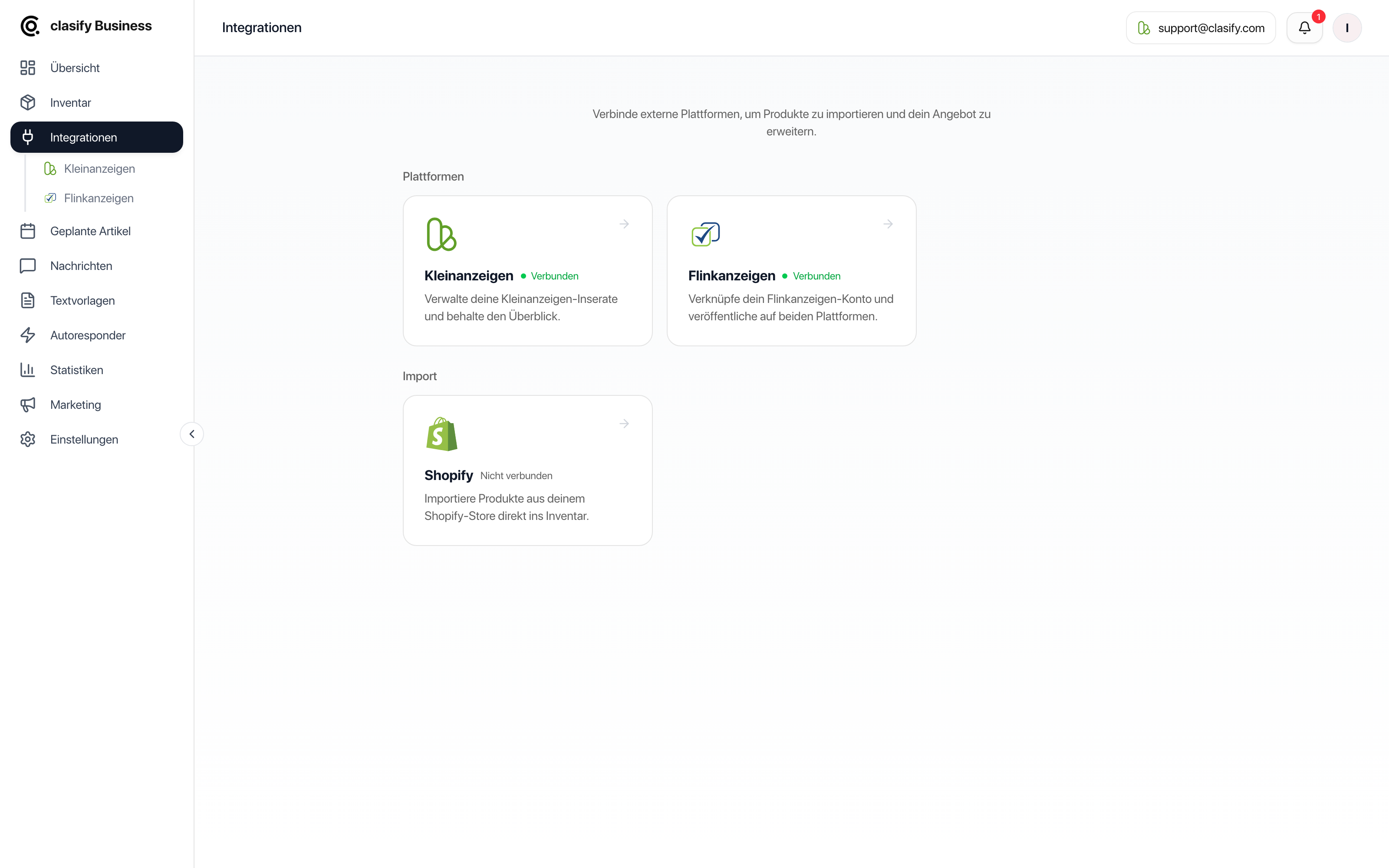
Connect Flinkanzeigen
Section titled “Connect Flinkanzeigen”If Flinkanzeigen is not shown in your account, the feature is probably not yet available for your plan or account.
Publish articles on Flinkanzeigen
Section titled “Publish articles on Flinkanzeigen”Once connected, you can also publish inventory articles on Flinkanzeigen.
Manage Flinkanzeigen ads
Section titled “Manage Flinkanzeigen ads”In the ads overview, you can view your Flinkanzeigen ads. Depending on the status, you can open them, save them as inventory articles or process them further.
Typical statuses are:
- active
- paused
- archived
- rejected
Save an ad as an inventory article
Section titled “Save an ad as an inventory article”If a Flinkanzeigen ad is not yet in your inventory, you can take it over as an inventory article. After that, you can keep maintaining it in clasify Business and use it for further platform actions.
Disconnecting
Section titled “Disconnecting”You can disconnect the connection again in the integrations. After that, clasify Business can no longer run new actions for this Flinkanzeigen account. Inventory articles you have already created are kept.
If you are still stuck, write to [email protected] or use the support page.