
Set up the coveto job feed
With the coveto job feed, you bring open positions into clasify Business and publish them on Kleinanzeigen. On the Plus plan you start the sync manually, and from Pro on auto-sync takes over.
Requirements
Section titled “Requirements”- You have access to your coveto account.
- Published jobs exist in coveto.
- Your clasify Business plan includes feed import: manual sync from Plus, auto-sync from Pro.
- For Kleinanzeigen, you use a suitable Kleinanzeigen PRO plan.
Find the feed link in coveto
Section titled “Find the feed link in coveto”-
Log in to coveto.
-
Open Werkzeuge (Tools).
-
Choose Teilen und Einbetten (Share and embed).
-
Look for the JSON-Feed (JSON feed) there. The XML version is still available as well.
-
Copy the complete JSON URL and then enter it in clasify Business.
Set up the feed in clasify Business
Section titled “Set up the feed in clasify Business”-
In clasify Business, open Integrationen → Feed-Import (Integrations → Feed import). There is no separate coveto integration; the coveto job feed is set up through the general feed import.
-
In the feed import, paste the JSON URL you copied. Alternatively, you can use an XML URL.
-
Save the connection and check the jobs and fields that were detected.
-
If needed, enter a complete URL in the Direkt-bewerben-Link (Apply directly link) field. The best choice is the direct link to the matching application form in coveto.
-
Check a test job, paying particular attention to the title, description, location and the Direkt-bewerben-Link.
-
On the Plus plan, start the sync manually, or from Pro on, activate auto-sync.
Set and check the Direkt-bewerben-Link
Section titled “Set and check the Direkt-bewerben-Link”In the feed import you can set a Direkt-bewerben-Link (Apply directly link). Enter any complete URL there, for example https://…. For jobs from coveto, the direct link to the respective application form works best.
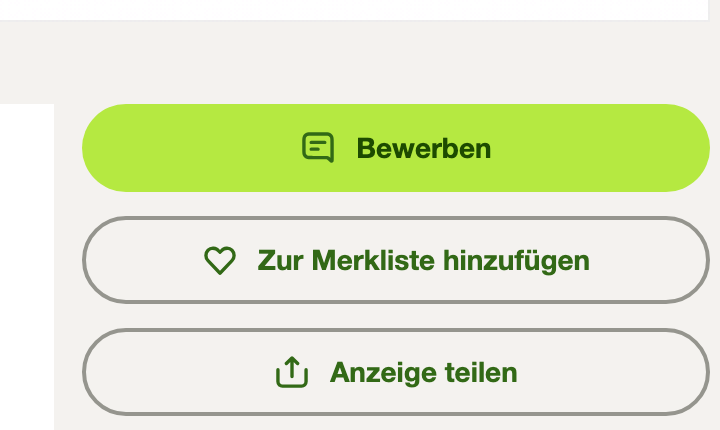
clasify passes this URL on to Kleinanzeigen, where it appears as a green Bewerben (Apply) button. After the first transfer, open a test ad and check that the button opens the right form. If you use the coveto application form as the target, incoming applications, communication and further processing stay entirely in coveto.
View on Kleinanzeigen
Description and formatting
Section titled “Description and formatting”With Kleinanzeigen PRO Premium, clasify converts the HTML description from coveto into the four available formatting options. With PRO Basic, the same description is transferred, but Kleinanzeigen displays it as plain text without these formatting options.
If the feed is not visible
Section titled “If the feed is not visible”- Check that you have access to Werkzeuge → Teilen und Einbetten (Tools → Share and embed) in coveto.
- Search the coveto help for Job-Feed (job feed) or XML-Feed (XML feed).
- Check that the jobs you want are published and included in the feed.
- If you cannot find the menu item or the URL, coveto support can help with your specific account.
coveto describes further technical options on its permanent page Recruiting-Schnittstellen (recruiting interfaces).
If the feed URL cannot be processed in clasify Business, write to [email protected] or use the support page.